HAZARD PERCEPTION / MODULE 01
See the risk.
Make the right call.
Step inside a warehouse. Explore your surroundings, spot potential dangers and build better safety awareness.
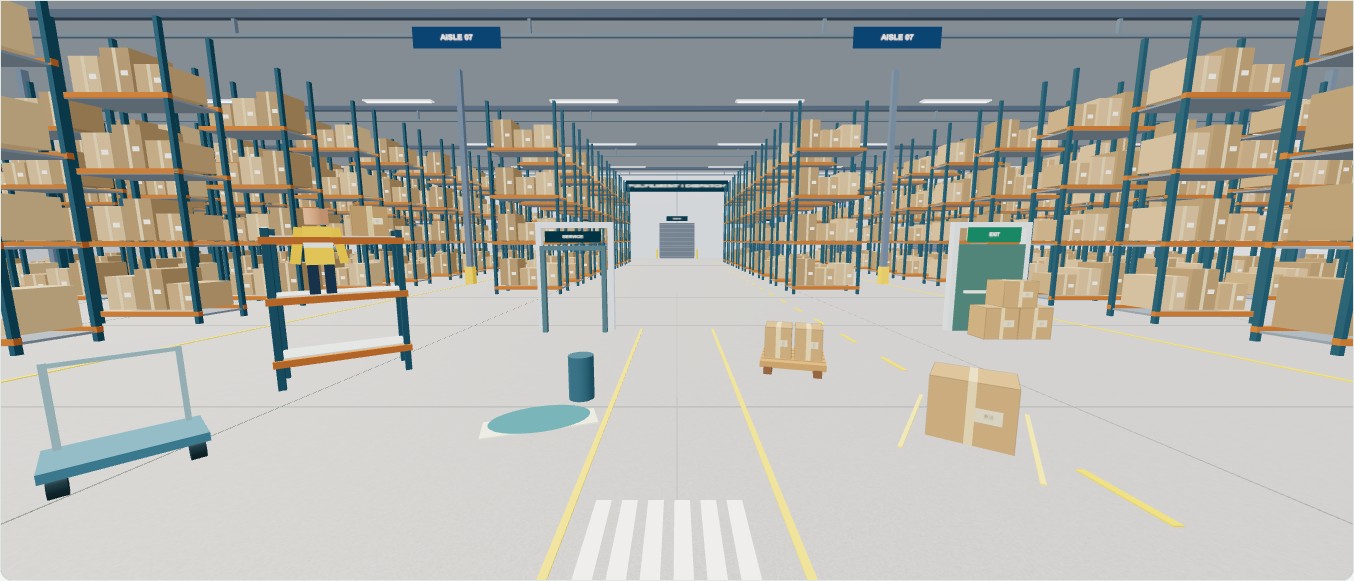 IMMERSIVE 360° EXPERIENCE
Explore. Inspect. Decide.360°
YOUR BRIEFING
Look. Inspect.
Make a decision.
- Drag to look around. Use W A S D or the movement buttons to walk through clear aisles. Optional phone, camera and VR controls are inside Controls & devices.
- Select a numbered inspection point. Read what is visible.
- Choose “Mark as hazard” when you see a risk. Otherwise, leave it and keep exploring.
- Find all ten hazards, finish early, or use the full time. Review every hazard afterwards.
+10 for each unique hazard. −5 for each unique incorrect selection. Repeated selections do not change your score. Score cannot fall below zero.
The timer pauses while inspection or feedback is open. Tab and Enter work with controls. “Text inspection” offers the same observations without navigating the scene.
Controls & devices · Walk / Phone / Camera / VR
Explore with W A S D or the movement buttons. Drag to look. VR: point a controller at a numbered marker and press trigger. Use the left stick to walk; right stick to turn.
Camera and motion are optional. A webcam preview does not provide headset tracking.
HAZARD HUNT
Warehouse walkthrough
SESSION COMPLETE
Practice targets: 80–100 excellent recognition; 60–79 target met; below 60 further practice. These are project design choices, not an approved safety pass mark. Accuracy is correct hazard selections ÷ all scored selections.
LEARN FROM YOUR SESSION
Every hazard explained.
Safety sources and scope
General guidance checked 13 September 2026. UK HSE sources inform these illustrative scenarios. The client must confirm local procedures, jurisdiction and relevance. No site inspection or client validation has occurred.